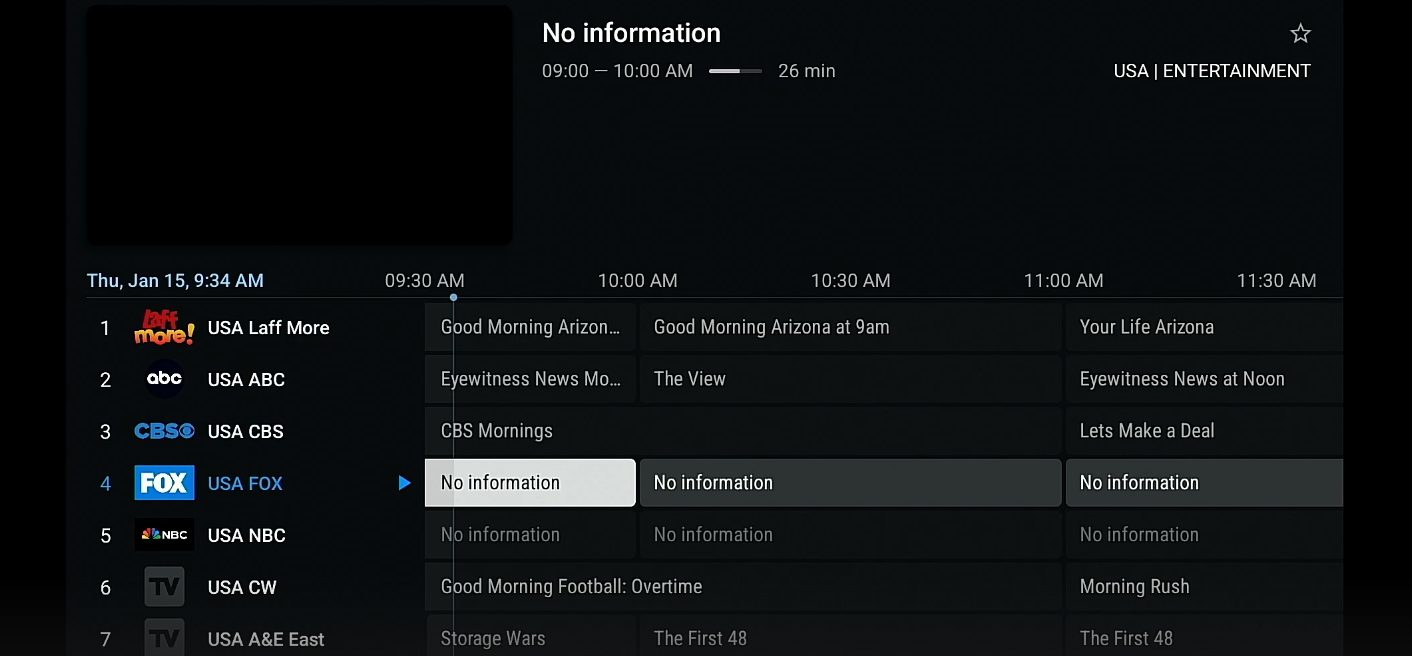
There is nothing more frustrating than settling in to watch the football and hitting buffering every five minutes. IPTV streaming quality is affected by quite a few different things, and the good news is that most of them are within your control. Whether you are watching on a Firestick, Apple TV, Android TV box, or smart TV, the same principles apply. This guide covers everything that actually matters when you want reliable, high-quality streams through a UK IPTV subscription.
How Much Internet Speed Do You Actually Need?
The honest answer is less than most people think, but consistency matters more than peak speed. A standard definition IPTV stream typically needs around 5 Mbps. HD streams run at roughly 10 to 15 Mbps. Full HD and some 4K channels can push up to 25 or 30 Mbps, though most IPTV services in the UK stream HD content at a level that is comfortable on 15 Mbps.
The issue for most UK households is not the headline speed from their broadband provider. Most people have 50 Mbps or more these days. The problem is contention, which is the technical term for how much of that speed you are actually getting at any given moment versus sharing it with your neighbours and everyone else on the same exchange.
Running a Speed Test
Before blaming your IPTV service for buffering, run a speed test directly on the device you stream on, not on your phone. Fast.com or Speedtest.net both work well. If your device is connected over Wi-Fi, also run the test with a cable plugged in. The difference can be revealing. If you are getting 15 Mbps via ethernet and 6 Mbps over Wi-Fi, your wireless setup is the bottleneck.
Also worth checking: run the speed test at the same time you normally experience buffering. Evenings between 7pm and 10pm are peak usage hours in the UK, and speeds can drop noticeably on some connections during that window.
Wired vs Wireless: It Really Does Matter
This is the single biggest practical improvement most people can make. A wired ethernet connection between your streaming device and your router eliminates the interference, signal degradation, and inconsistency that comes with Wi-Fi. IPTV streams are more sensitive to jitter and packet loss than regular video-on-demand services like Netflix, because live streams cannot buffer ahead in the same way.
Running a cable is obviously not always practical, but it is worth doing for your main viewing screen if you can manage it. Even a short run under a door or along a skirting board makes a noticeable difference to stability.
When Wi-Fi Is Your Only Option
If a cable is genuinely not possible, there are still ways to improve Wi-Fi performance for IPTV:
- Use 5GHz over 2.4GHz. The 5GHz band is faster and less congested, though it has shorter range. If your streaming device is reasonably close to the router, connecting on 5GHz almost always helps.
- Check for interference. Other Wi-Fi networks, baby monitors, and even microwaves can affect 2.4GHz performance. Switching Wi-Fi channels on your router (try 1, 6, or 11 on 2.4GHz) can help in crowded areas.
- Consider a powerline adapter or MoCA adapter. These use your existing electrical or coax wiring to carry a network signal and provide near-wired performance without running cables.
- Mesh Wi-Fi systems. If your home is large or has thick walls, a mesh system places nodes throughout the house and gives consistent coverage. The improvement over a single router placed at one end of the building can be significant.
Router Placement and Why It Matters More Than You Think
Most UK broadband routers arrive from the ISP and get plugged in wherever the phone socket is, which is often a cupboard under the stairs, behind a TV unit, or tucked in a corner. These tend to be among the worst possible positions for wireless signal.
A router broadcast in all directions from a central, elevated, open position covers far more of a home effectively than one shoved behind furniture in a corner. If you can move your router to a more central location, even a few metres can make a meaningful difference to signal strength in rooms you are streaming from.
Also avoid placing routers near large metal objects, inside enclosed units with glass doors, or directly next to cordless phones and baby monitors. These all degrade signal quality.
Choosing a Good IPTV Service
Your home network setup can only do so much. If the IPTV provider you are using has overloaded servers, poor infrastructure, or inconsistent uptime, you will see buffering and freezing regardless of how good your broadband is.
A quality UK IPTV channels provider invests in server capacity to handle peak demand. The difference is most noticeable during high-traffic events like Premier League matches, major boxing fights, or popular TV finales where thousands of users are watching the same stream simultaneously. Budget or lower-quality services tend to struggle significantly at these moments.
What to Look For in a Provider
- Server uptime guarantees. Look for providers who are transparent about their infrastructure and offer at least 99.5% uptime.
- UK-specific channel quality. Proper HD versions of BBC One, ITV, Channel 4, and Sky channels, not upscaled SD feeds.
- Anti-freeze technology. Some providers use adaptive bitrate or backup streams to automatically switch you to a working feed if one has issues.
- Responsive support. When something goes wrong, being able to get help quickly makes a big difference.
- Trial period. Any reputable service will let you test before committing to a longer subscription.
Device Performance and Player Settings
The device you stream on affects quality more than people realise. Older or budget Android boxes with limited RAM and a weak processor will struggle with higher-bitrate streams and may buffer even when your network is perfectly capable. If you are using a device more than three or four years old and experiencing persistent issues, the hardware itself could be part of the problem.
Recommended Streaming Devices for UK IPTV
Amazon Fire TV Stick 4K Max, Nvidia Shield TV, Apple TV 4K, and Google Chromecast with Google TV all handle HD and 4K IPTV streams comfortably. They also receive regular software updates which keeps compatibility with newer stream formats in good shape.
Optimising Your Player Settings
Most IPTV players let you adjust the stream buffer size. Increasing this slightly can smooth out minor network fluctuations by giving the player a small stock of video to work with before it has to show it on screen. Look for buffer settings in your player's advanced or playback settings. A value between 3,000 and 5,000 ms is a good starting point for most connections.
Hardware decoding, when available, should be enabled. This passes the video processing work to your device's graphics chip rather than the main processor, which is more efficient and results in smoother playback, particularly for H.265 streams.
Understanding Buffering: Is It Your Connection or the Provider?
When a stream buffers or freezes, the instinctive reaction is to assume the internet connection is the problem. But buffering on IPTV has several possible causes:
- Your broadband speed is insufficient for the stream quality
- Your Wi-Fi signal is weak or experiencing interference
- The provider's server is under heavy load
- The specific stream or channel has a fault
- Your streaming device is struggling to decode the video
A quick way to narrow down the cause: if buffering happens on every channel, the issue is likely your network or device. If it is isolated to specific channels or times of day, the provider's infrastructure is more likely to blame. Also try switching to a different stream quality or SD version of the same channel if your provider offers that option, since lower bitrate streams are more forgiving on unstable connections.
Broadband Packages Worth Considering for Streaming
For IPTV streaming in the UK, anything above 30 Mbps with consistent performance is generally sufficient for a single HD stream. If multiple people in your household stream simultaneously, or you want to future-proof for 4K, aiming for 100 Mbps or above gives you comfortable headroom.
Full-fibre broadband (FTTP) is now available across a growing portion of the UK and is worth upgrading to if it is available in your area. Unlike the older FTTC (fibre to the cabinet) connections that still rely on copper wire for the last stretch to your home, full-fibre delivers consistent speeds regardless of how far you are from the exchange. The difference in streaming quality can be quite noticeable on a weak FTTC connection.
Putting It All Together
The best IPTV streaming experience in the UK comes from combining several things: a solid broadband connection with consistent speeds, your streaming device connected by ethernet where possible, a well-positioned router, a capable streaming device, and a high-quality IPTV provider with robust UK infrastructure.
Fix one thing at a time. Start with the network connection type (wired versus wireless) since that tends to have the biggest single impact, then check your router placement, then run a speed test. If your network setup looks good but you are still experiencing issues, the provider you are using may simply not be reliable enough.
If you want to see what a well-run British IPTV service actually feels like on a stable connection, you can try ApolloTV free and compare it to what you are used to. Good infrastructure makes a real difference that you notice immediately once you have experienced it.